Cue
A gentle nudge when your AI is waiting
You kick off a task in Claude Code or Codex, switch to another window, and forget to check back. Minutes pass. Your AI finished — or worse, it’s been waiting for permission the whole time. You had no idea.
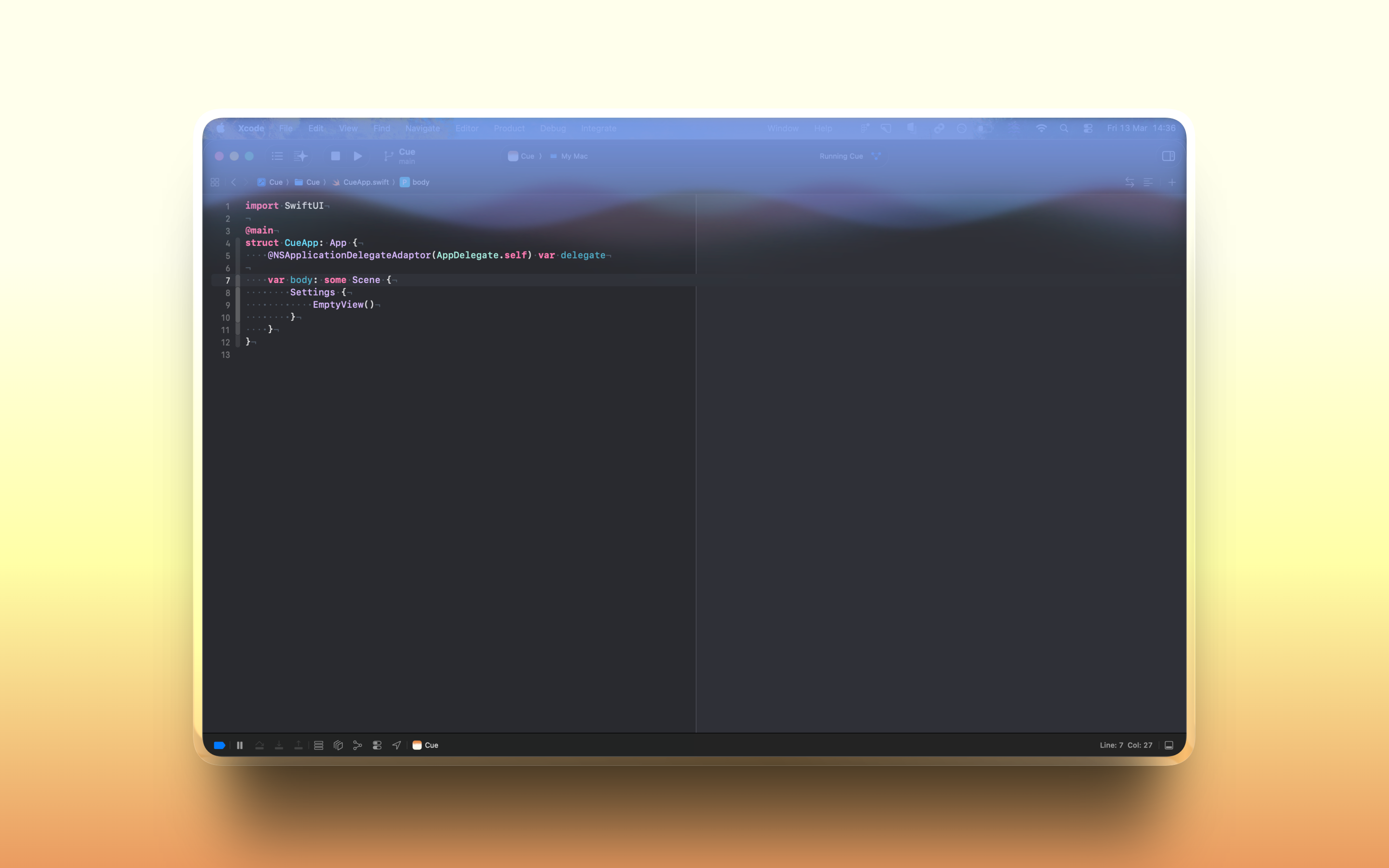
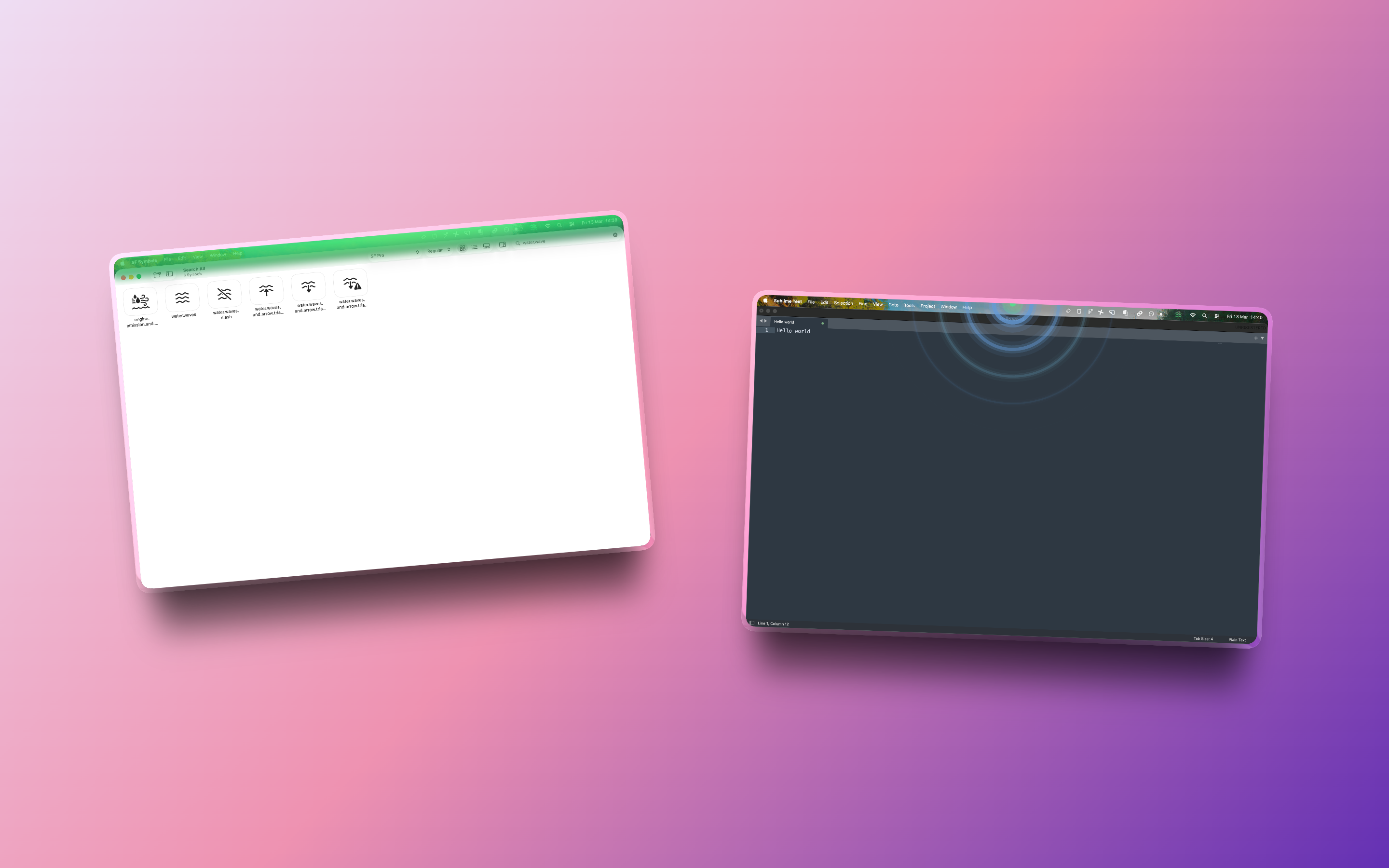
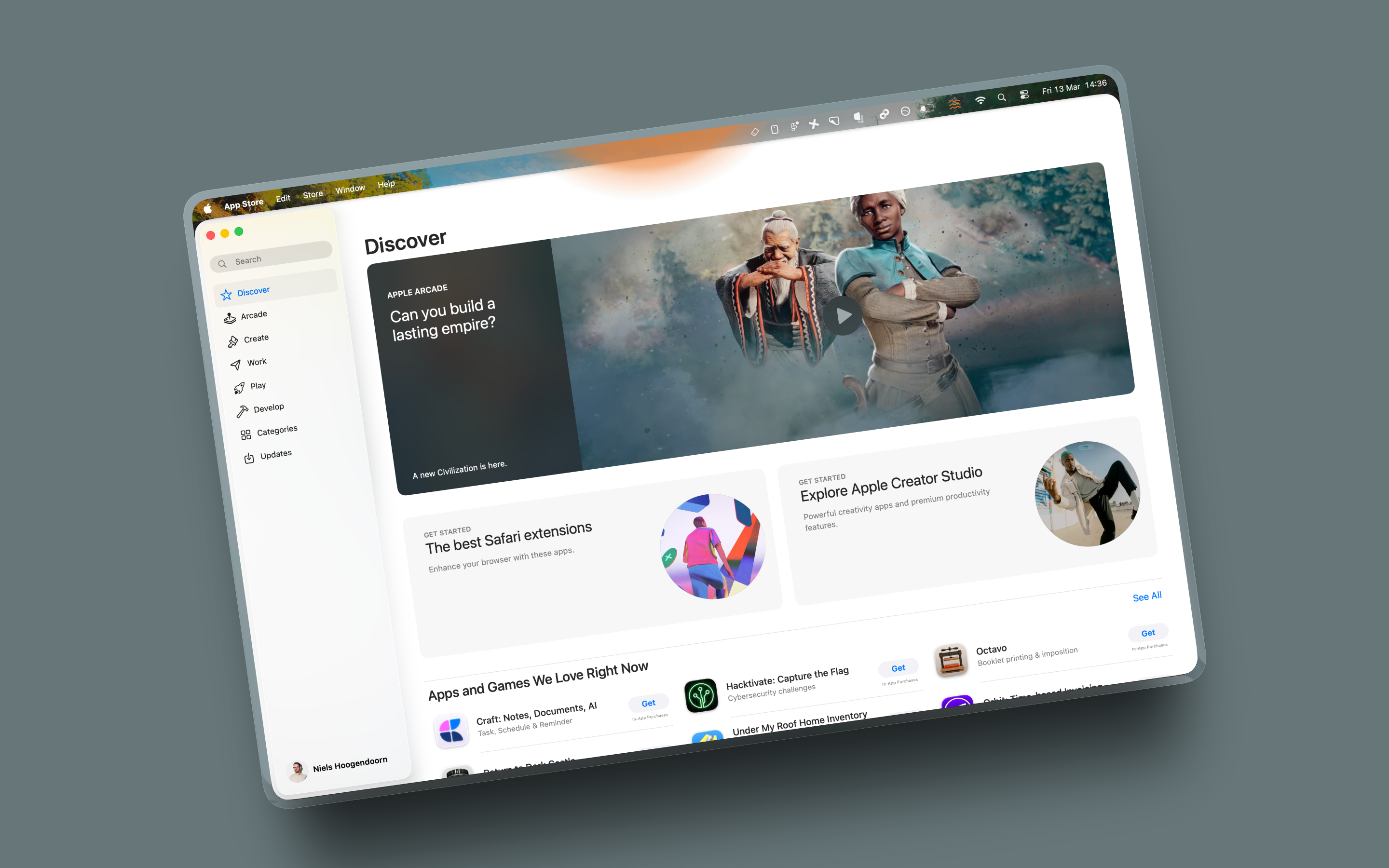
Cue turns your screen into a subtle notification system. When your AI needs you, your display lights up with a soft animated glow — aurora waves, rippling rings, a pulsing dot, or a full-edge shimmer. When you come back, it fades. No pop-ups. No sounds. Just a gentle visual nudge visible at a glance.
Set it up once with a simple hook in Claude Code or Codex, and forget about it. Cue sits in your menu bar, listens for signals over localhost, and stays completely private — no cloud, no telemetry, no account. Native macOS. Built with SwiftUI.

Features
- Six ambient styles — Dot, Bar, Sun, Aurora, Edges, and Ripple
- Full color control — gradient themes, solid presets, or any custom color
- Terminal-aware — auto-deactivates when you're focused on your editor
- Auto-reset — glow fades after 8 seconds with no new signals
- Works with Claude Code and Codex via simple hook setup
- 100% local — no cloud, no telemetry, no account
Screenshots
Mac